 Host Studio
Your terminal. Your way.
Switch between Terminal, Hybrid, and Desktop. Use dedicated host controls, keyboard mapping, and field-level copy and paste.
Explore the workspace ↗HOST STUDIO / FOR APPLE DEVICES
Connect from your Mac, iPhone, iPad, or Apple Vision Pro. Work in a familiar terminal, or choose a Hybrid or Desktop presentation.
See App Store for pricing · One-time purchase · No subscription
Canadian price. Your local price is shown on the App Store.
One host screen. Two perspectives.
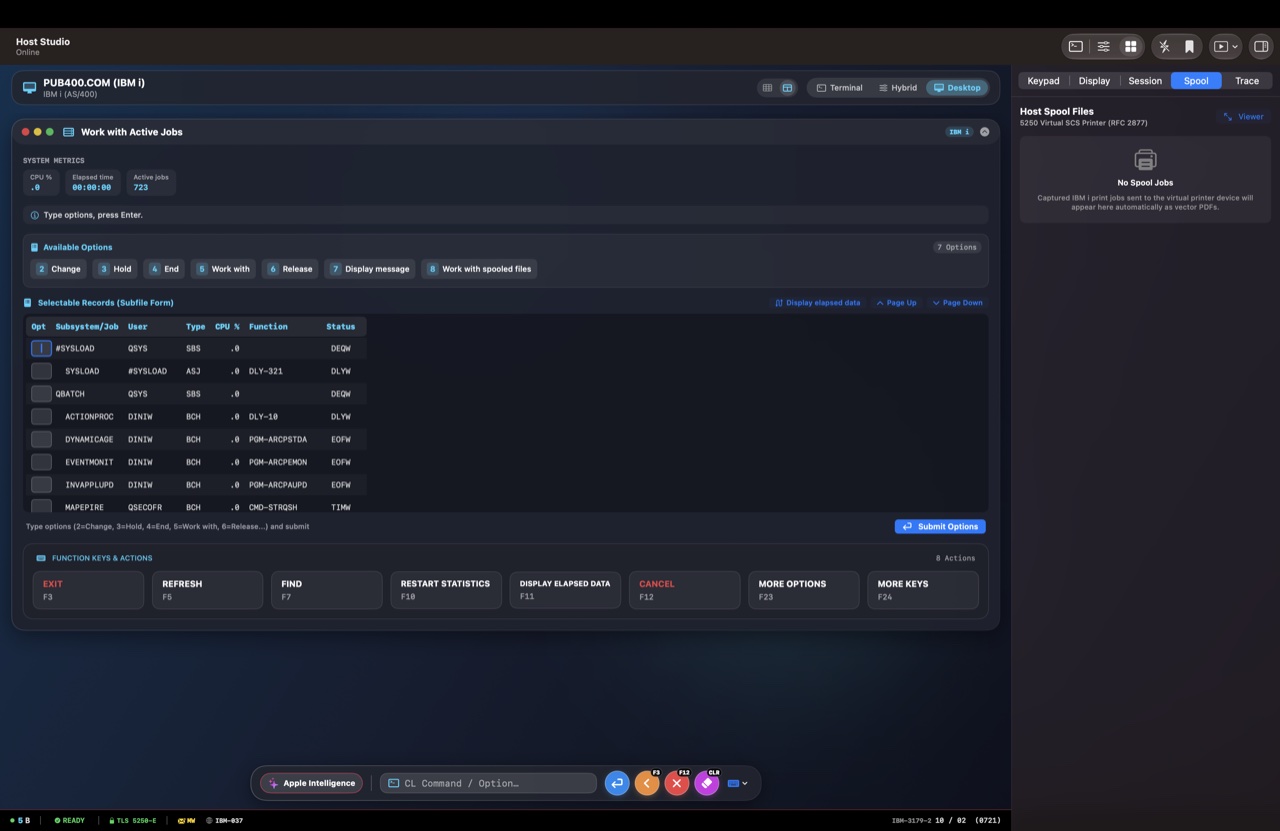
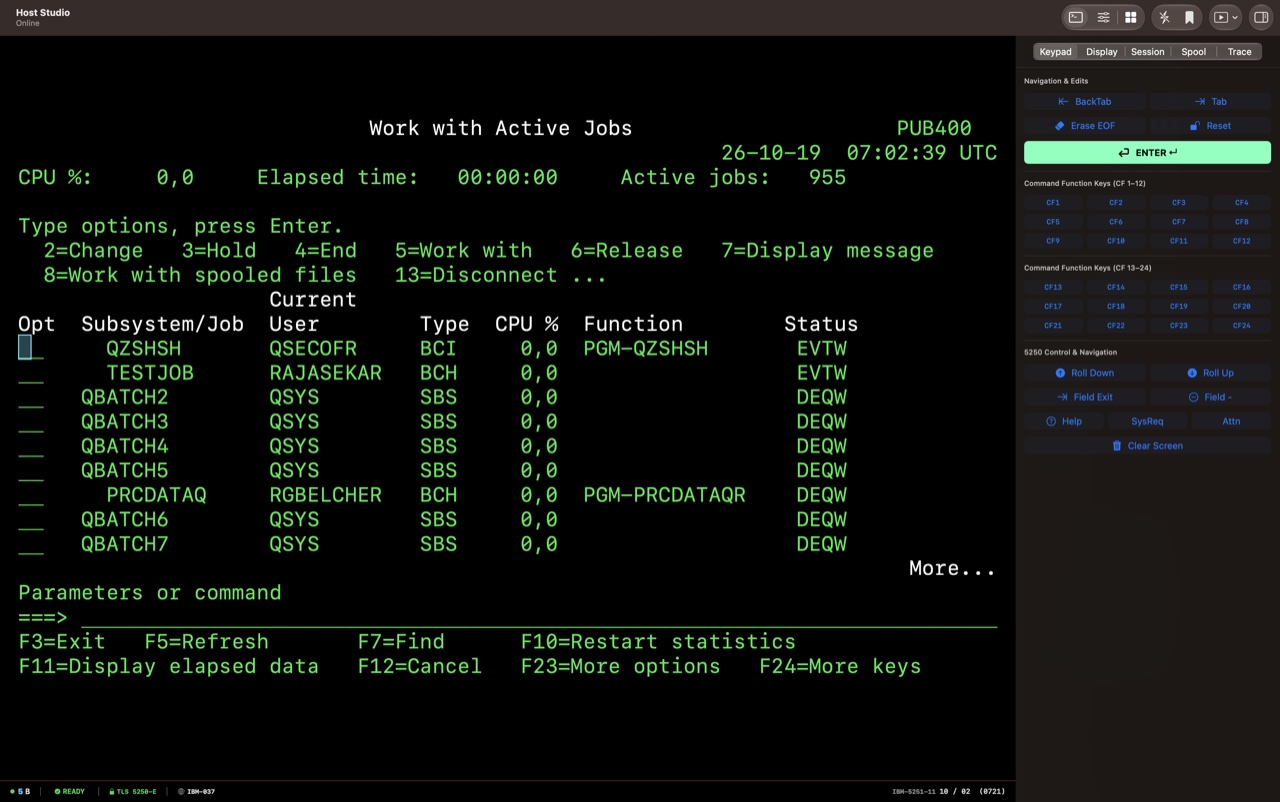
Switch between Terminal, Hybrid, and Desktop. Use dedicated host controls, keyboard mapping, and field-level copy and paste.
Explore the workspace ↗Transfer files between your device and host systems with built-in transfer tools.
Explore file transfers ↗Review print jobs and PDF output alongside your host workspace.
Explore host printing ↗IBM mainframes and IBM i (AS/400) systems.
TN3270 / TN3270E SNA
TN5250 / TN5250E SNA
You’ll need your host address, network access, and any credentials required by your organization. Check the App Store listing for operating system requirements.
Questions about compatibility? Visit support ↗See App Store for pricing · One-time purchase · No subscription
Buy on the App StoreCanadian price. Your local price is shown on the App Store.